
Microsoft 365 · six apps, one add-in
Native add-ins, not a separate window
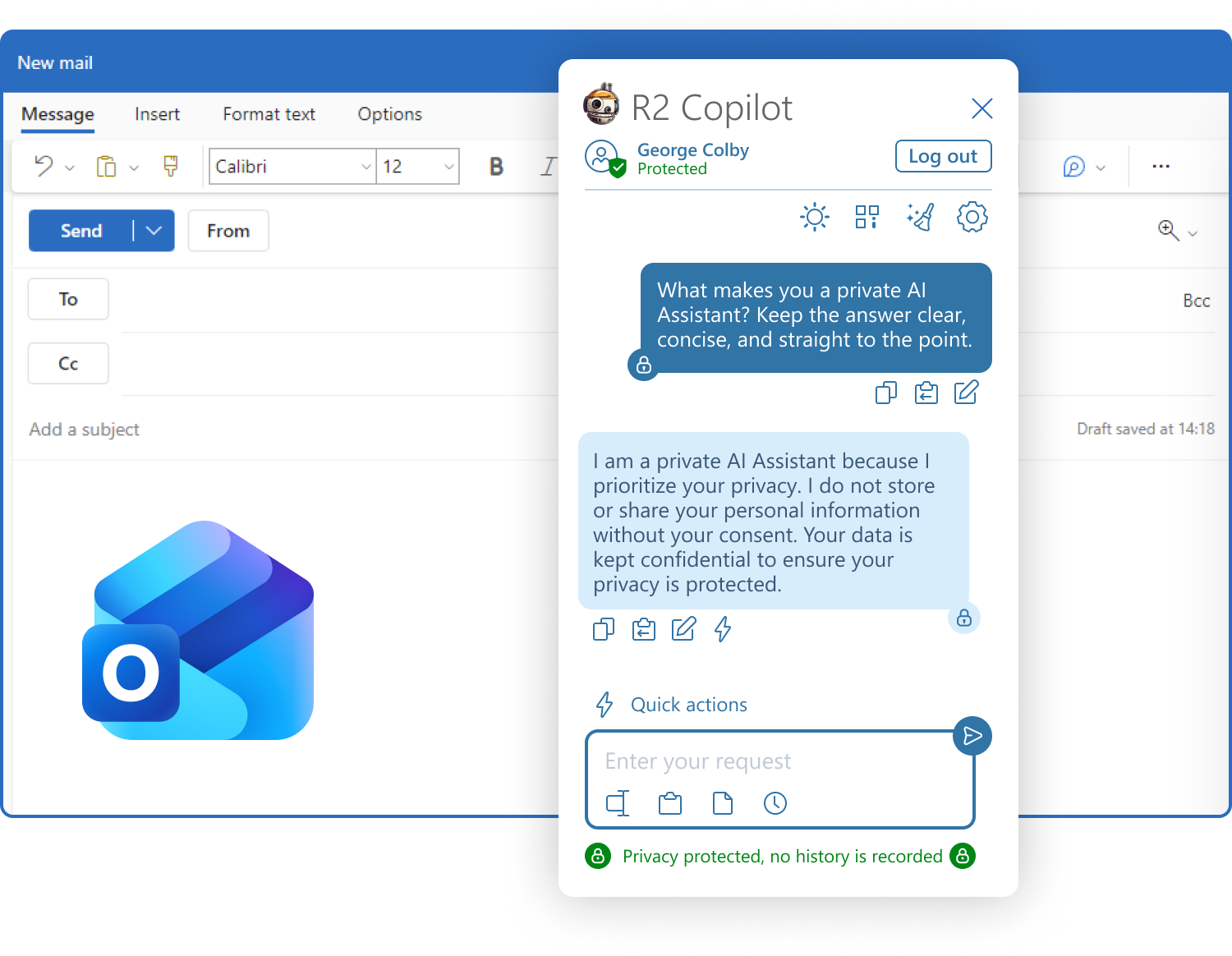
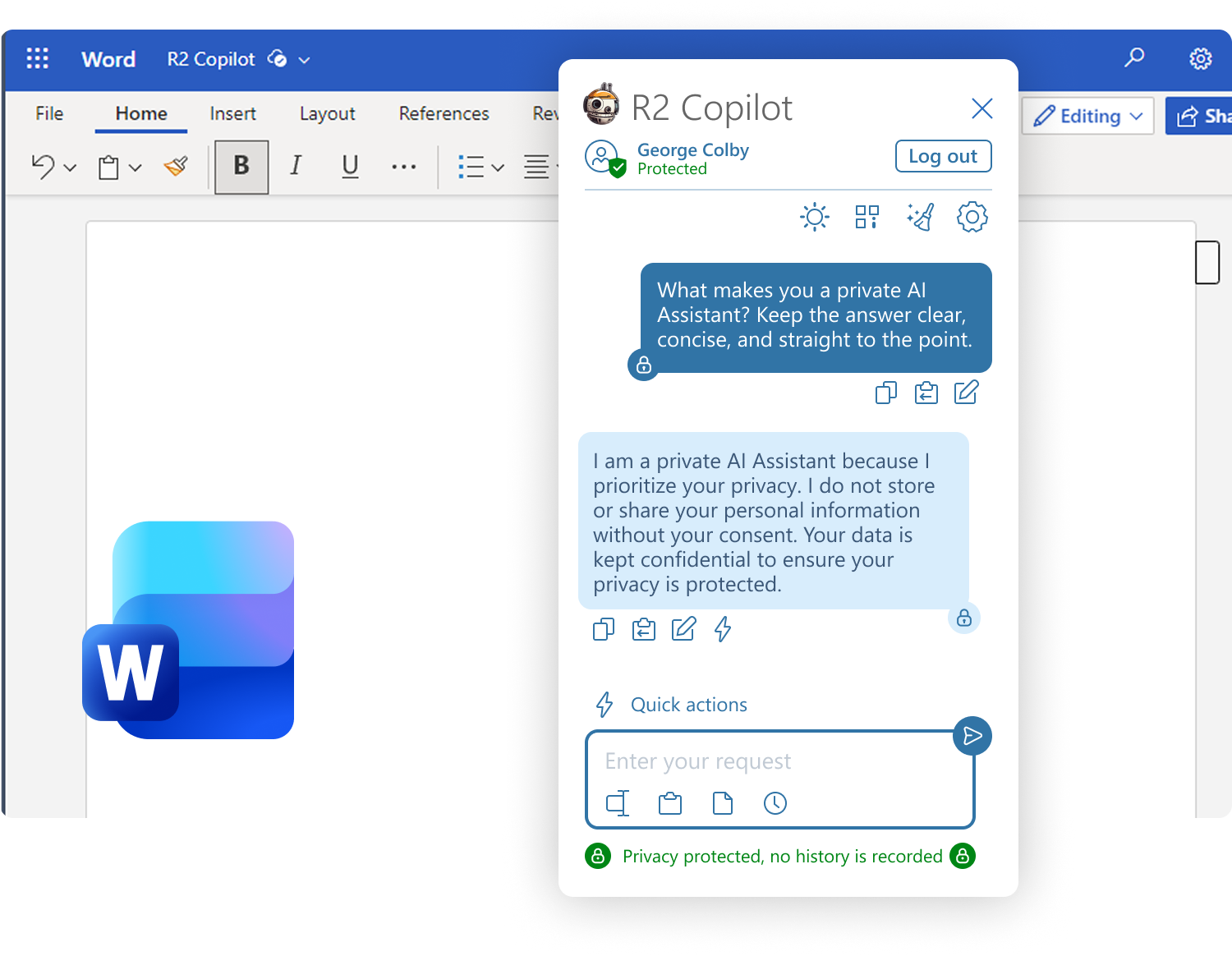
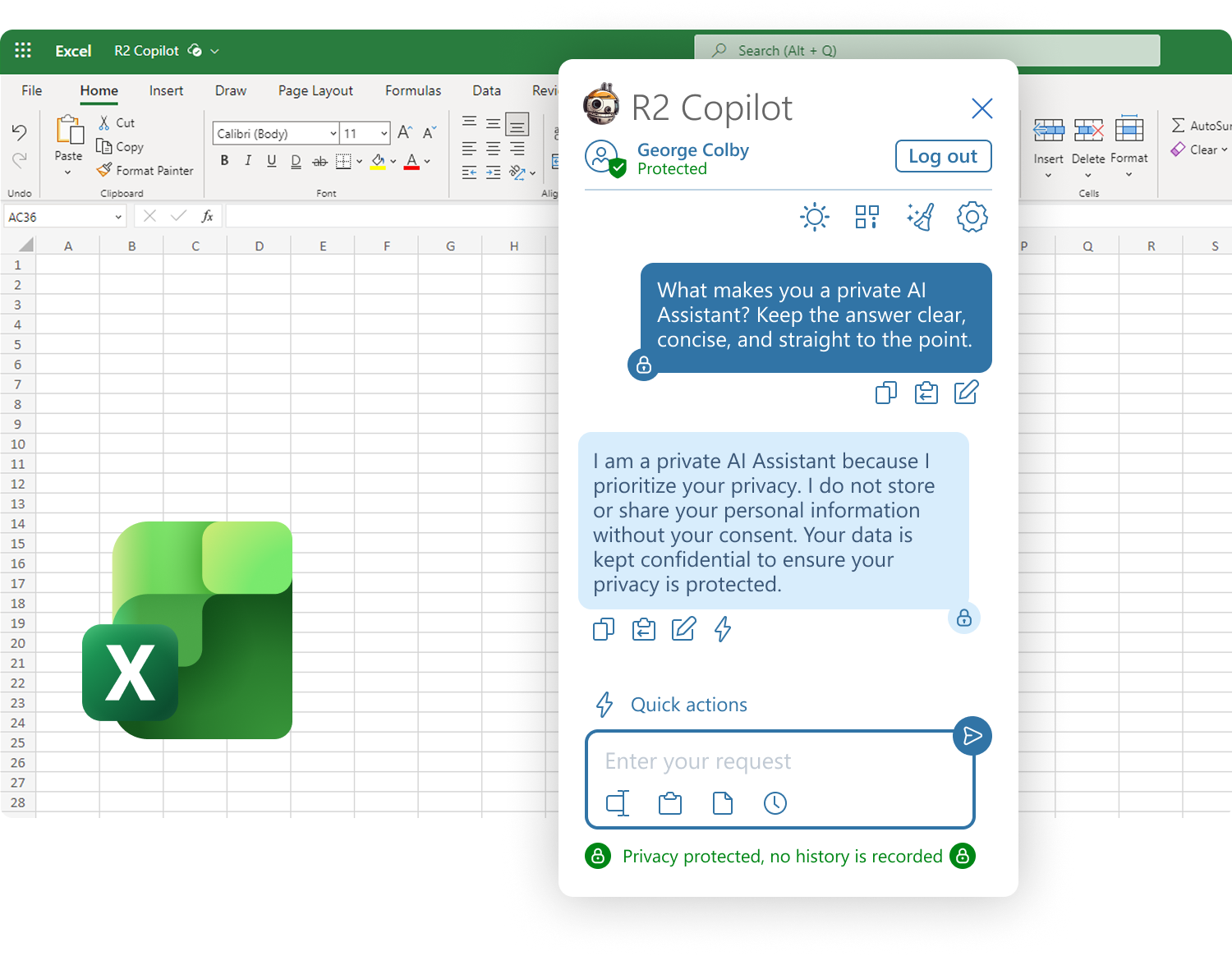
R2 installs across your Microsoft 365 tenant and appears as a pane inside the applications your team already has open. One install covers all six.
Microsoft Solution Partner · Co-sell ready · Marketplace transactable

Six applications, one add-in
One add-in, installed once. Enterprise tenants can deploy it tenant-wide and enable or disable individual apps; on other plans each person installs it themselves.
PowerPoint
Turn an outline into slides, or tighten the copy on the ones you have.
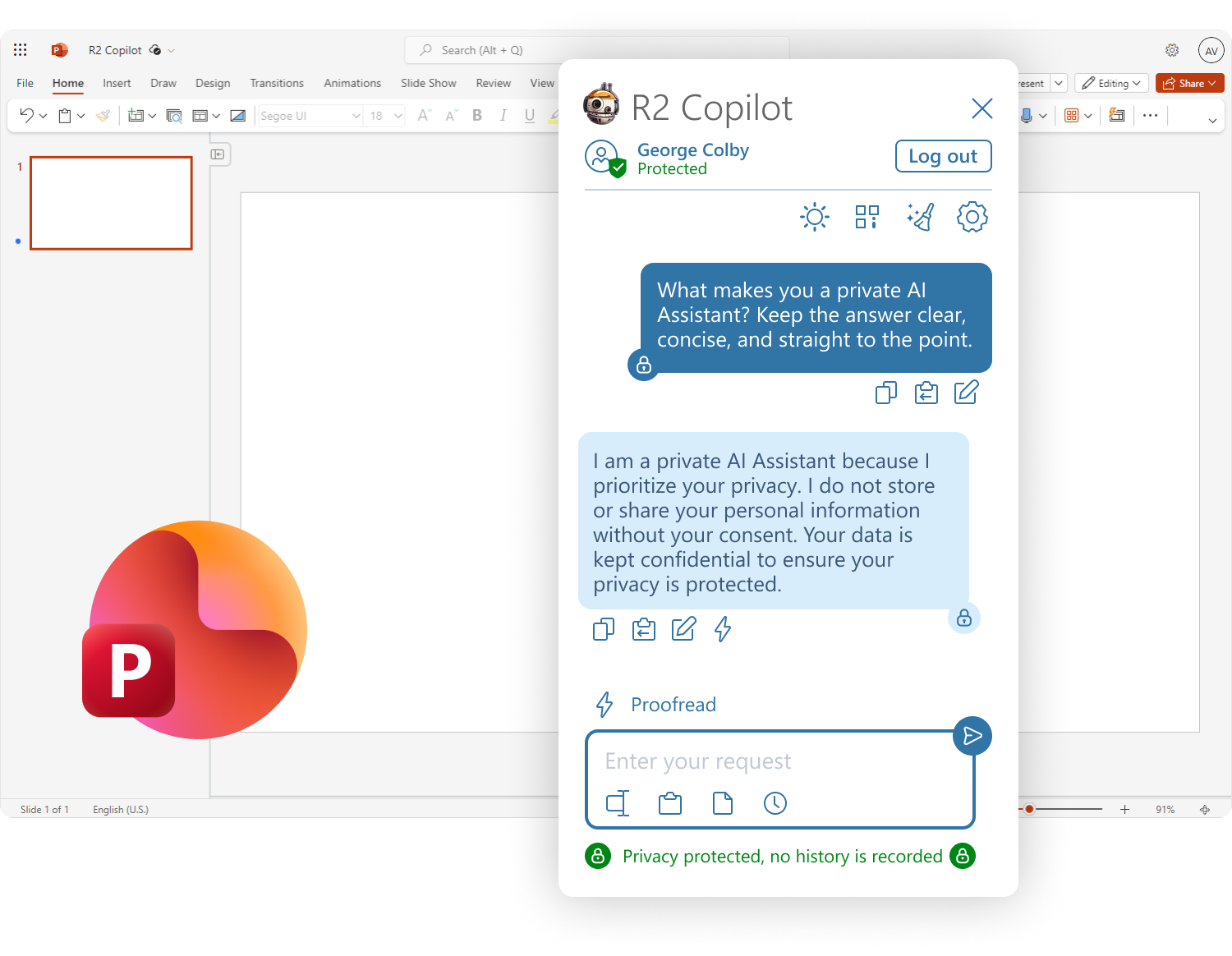 Install for PowerPoint ↗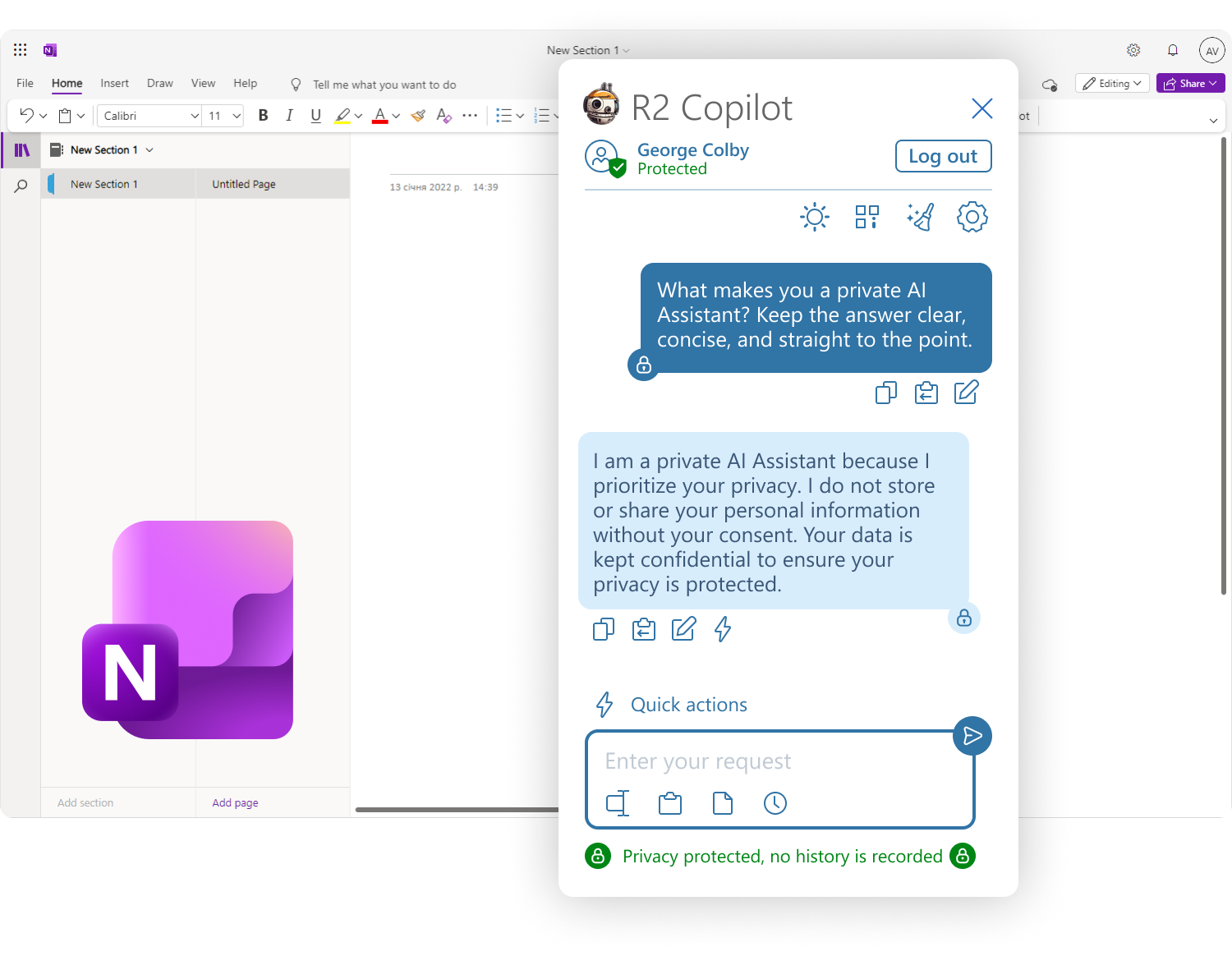
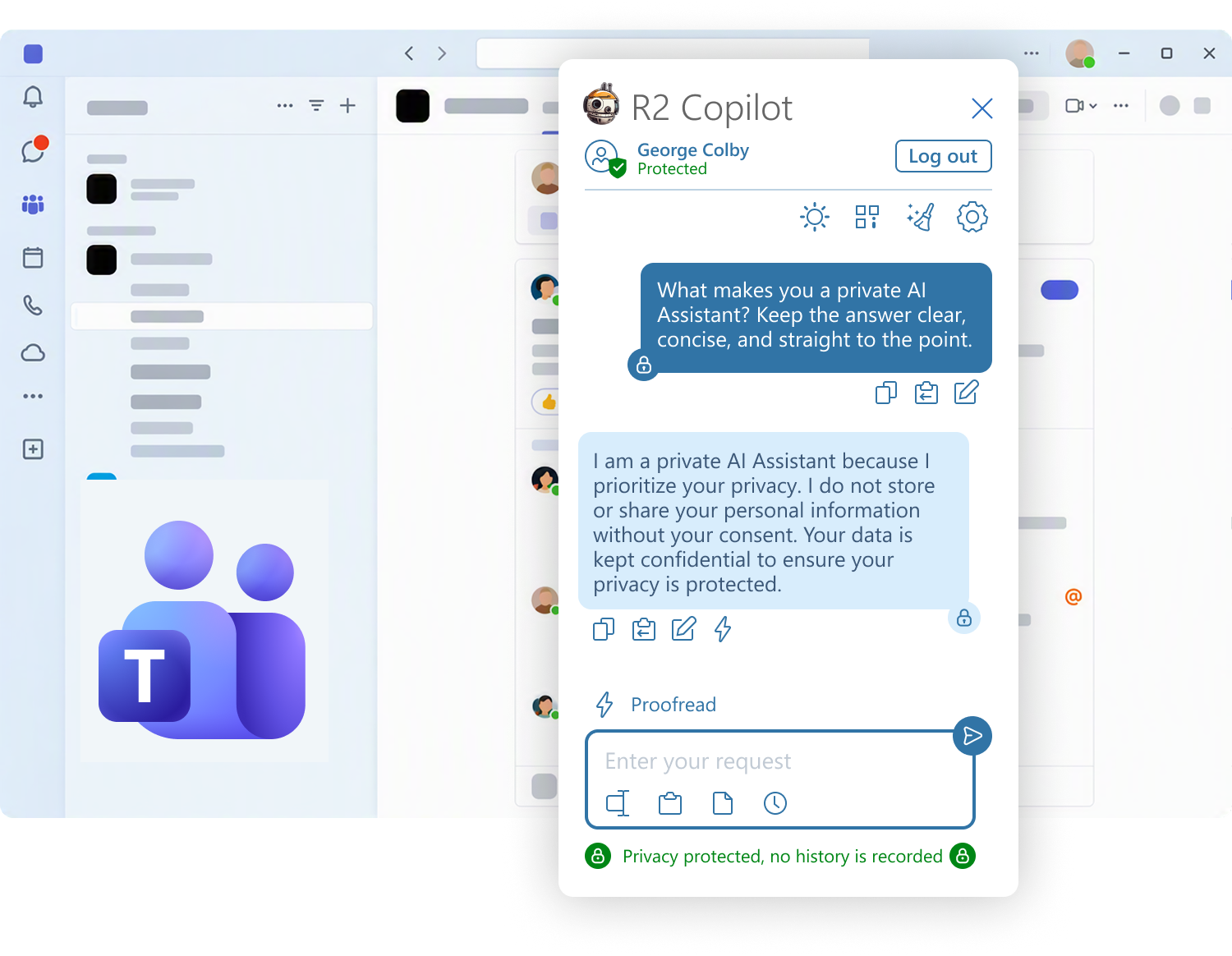
Teams
Catch up on a thread and draft the reply in the channel. Shipping today.
Working the same day, without a rollout project
Install the add-in and sign in. There is no deployment phase, no infrastructure to stand up and no platform-team ticket. Enterprise customers who want a tenant-wide install, custom policy or a private environment get that configured with our team.
Published on Microsoft AppSource and co-sell ready. No Azure connection is required: licences are assigned by email or domain and managed in your R2 profile.
Enterprise rollout →Admin controls
- Tenant-wide or per-app deployment
- Single sign-on with Microsoft, Google, Apple and other providers
- Directory-mapped, role-based permissions
- Which models each group may use
- PII and PHI rules applied before anything leaves
- Retention and logging set to your obligations
Install it where your team already is
One secure add-in across Outlook, Word, Excel, PowerPoint, OneNote and Teams.