
Web app, browser extension and chat clients
Add R2 to the apps you have open right now
One subscription, every surface. Open the web app, add the Chrome extension, or talk to R2 in the chat client your team already uses. Nothing to install on the machine unless you want it.

Three ways to open R2
Use the same private AI layer in a dedicated tab, across the browser or directly inside Telegram.
Web app
Open R2 in a tab, pick a model, start. Signing in at chat.r2copilot.ai starts a free trial, and it is also where subscriptions, team access and API keys are managed.
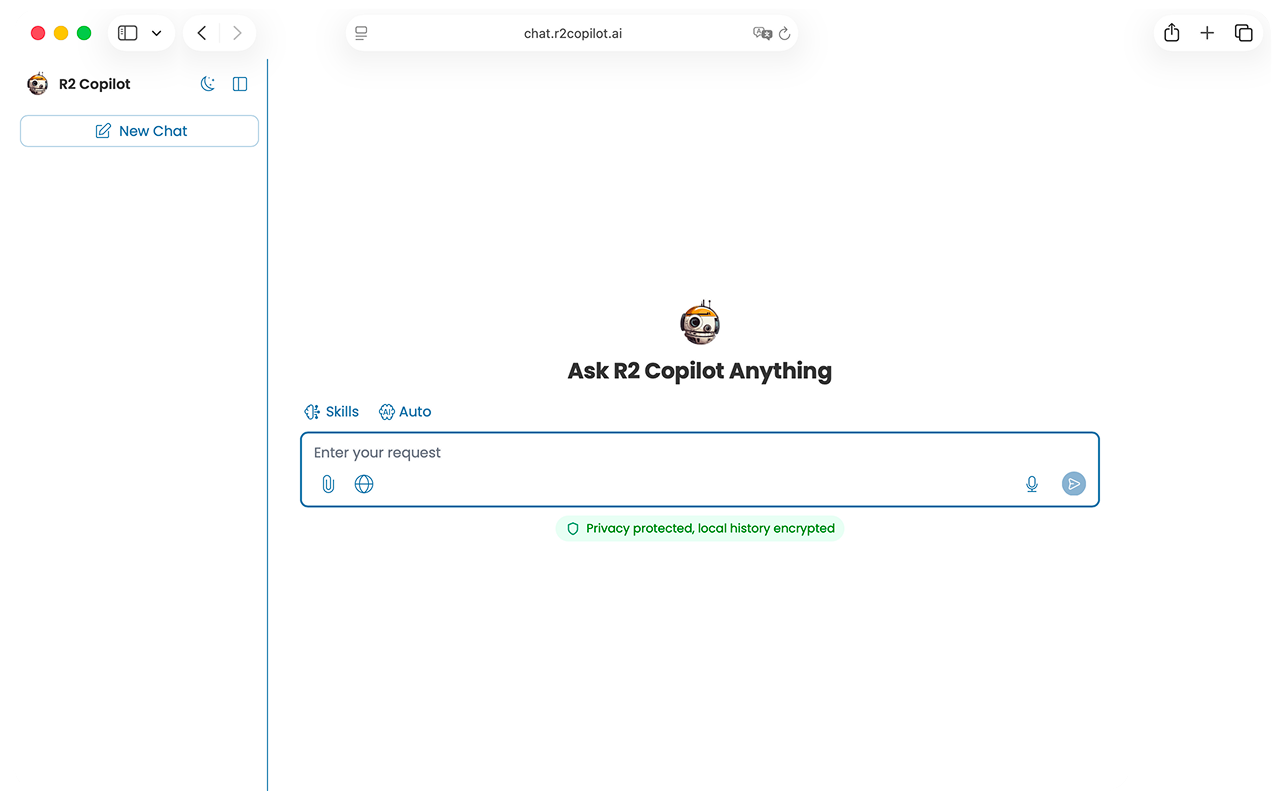 Open the web app ↗
Chrome extension
The extension puts the same controls in your browser, so work in a CRM, a ticketing system or a shared doc runs through the same layer. Live on the Chrome Web Store; Edge, Firefox and Safari builds are planned.
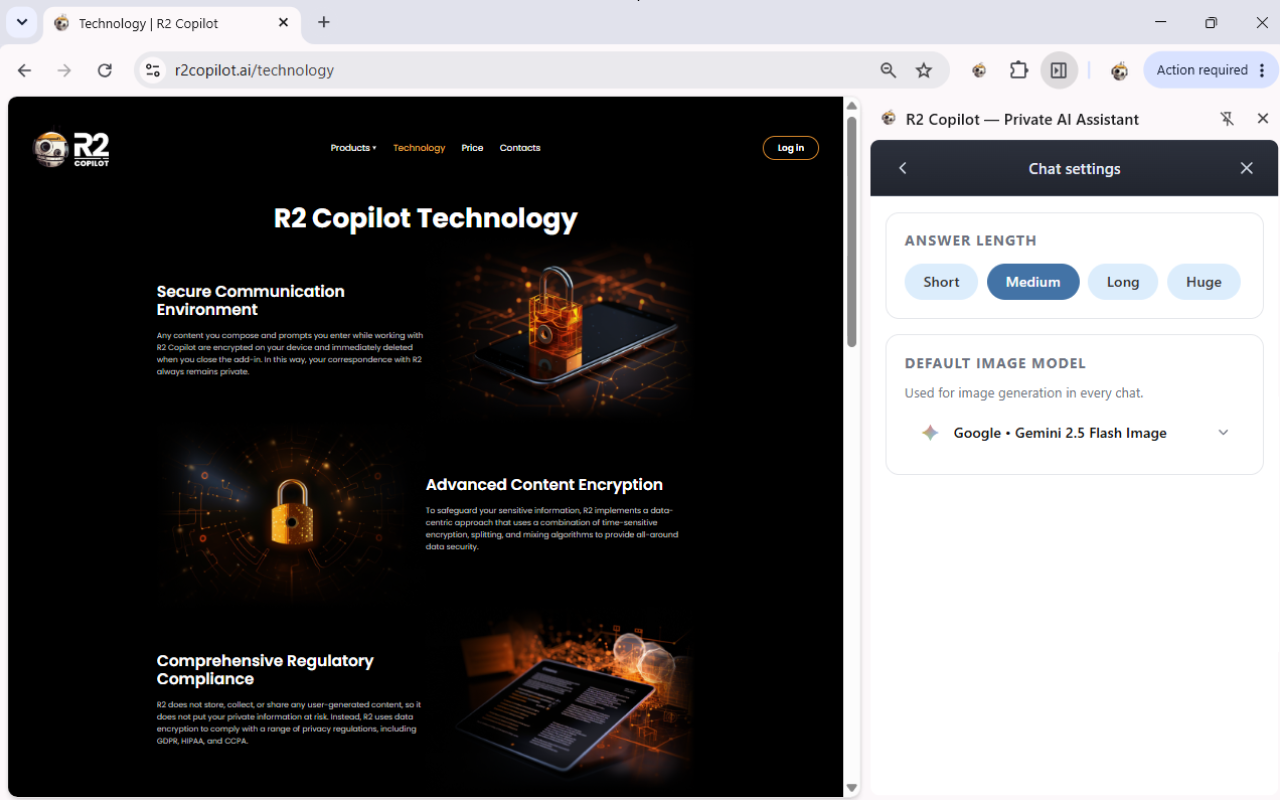 Add to Chrome ↗
Telegram
R2 answers in Telegram at t.me/R2Copilot_bot, through the same encrypted path as every other surface.
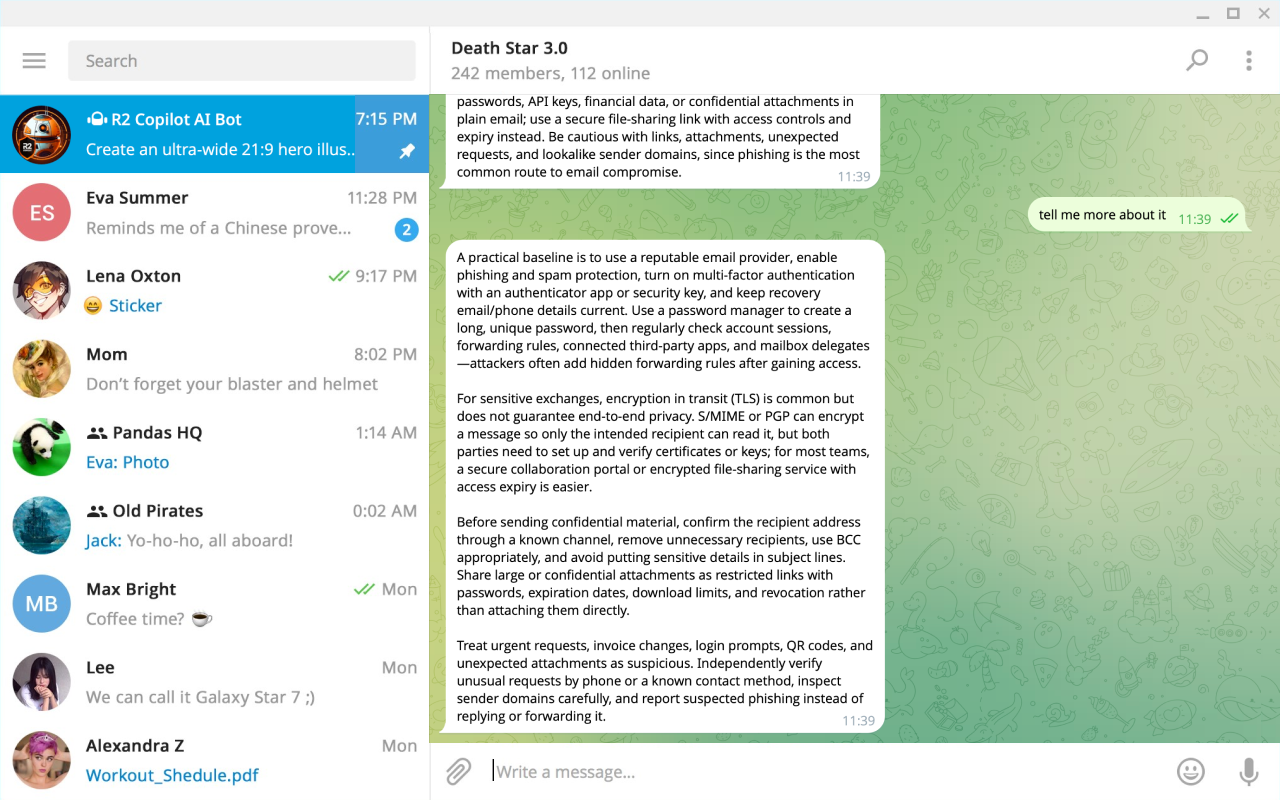 Open in Telegram ↗
Same layer behind every surface
Whichever way your team reaches R2, the encryption, model access, PII rules and policy settings are the ones your admin configured. No surface is the loose one.